
🎓 The Learner’s Secret Weapon: Mastering Music Practice with A/B Looping 🔁
Every musician knows the struggle: there is always that one difficult bar in a piece of music that trips you up. 🎶 You play it, make a mistake, stop, drag the progress bar back, and try again. It disrupts your flow and kills your momentum.
Effective practice isn't about playing the whole song from start to finish; it’s about isolating difficult sections and mastering them through repetition.
This is where MIDI Toolbox comes in. Our Online MIDI Player features a streamlined A/B Loop tool designed specifically to help you build muscle memory without taking your hands off your instrument. 🎸
Here is how you can use the A/B Loop function to transform your practice sessions.
🧠 Why "Looping" is Essential for Musicians
Before we look at how to use it, let’s understand why it matters. Cognitive science suggests that "spaced repetition" is key to learning. By isolating a 4-bar phrase and playing it on an infinite loop, you allow your brain to:
- Analyze the Pattern: See exactly where the notes fall without the distraction of the rest of the song. 🎼
- Build Muscle Memory: Repeat the physical movement until your fingers can do it automatically. 💪
- Stay in the Zone: No need to constantly reach for your mouse to rewind.
🛠️ How to Use the A/B Loop in MIDI Toolbox
We designed our loop tool to be intuitive so you can focus on playing, not clicking. Here is the step-by-step workflow:
Step 1: Load Your Track 📂
Open the MIDI Toolbox Player in your desktop browser and drag and drop your MIDI file. Because our tool runs 100% locally, your file is processed instantly within your browser—no uploads, no waiting. ⚡

Step 2: Set Your Start Point (Point A) 🅰️
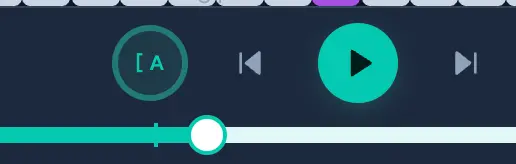
Play the track. Listen for the start of the difficult section you want to practice. Just as the music reaches that spot, click the Loop Icon [ ] in the control bar once.
- What happens: The player marks this as your "Start Point" (A). The music will continue playing seamlessly. ▶️
Step 3: Set Your End Point (Point B) 🅱️
Let the music play until the end of the phrase you want to practice. Click the Loop Icon [ ] a second time.
- What happens: The player marks this as your "End Point" (B). The player immediately jumps back to Point A and begins looping that section continuously. 🔄
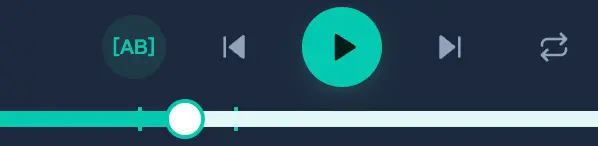
To exit the loop, simply click the icon again to toggle it off.
🎮 Visualizing the Notes: The "Game-Style" Advantage
While listening is important, seeing the notes can dramatically speed up learning. MIDI Toolbox features a Vertical Piano Roll that scrolls downwards, similar to popular rhythm games or learning software like Synthesia.
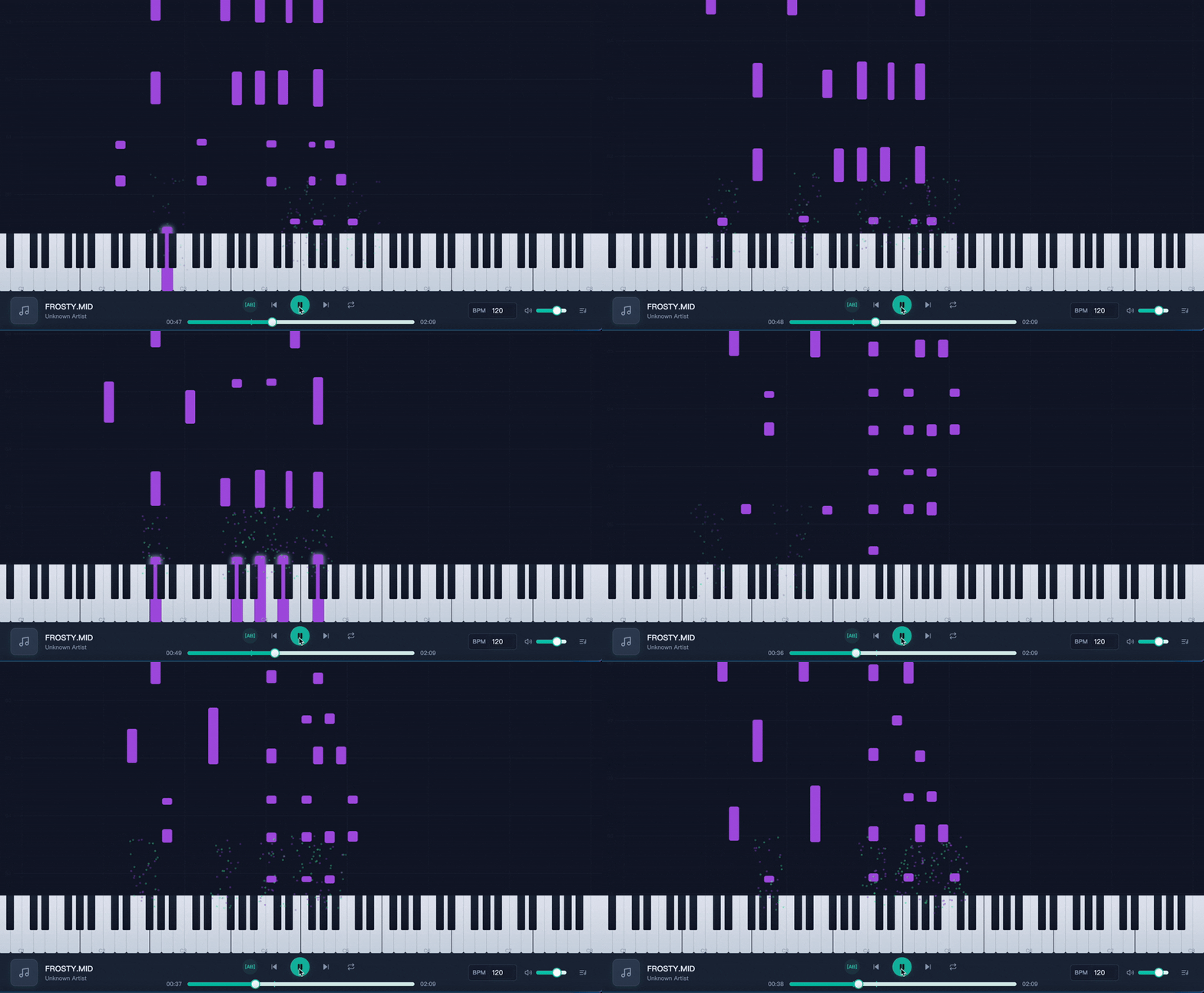
When you have your A/B loop active, watch the notes falling:
- Identify Intervals: Visually see the distance between notes. 🎹
- Anticipate Rhythm: See the length of the note bars to understand exact duration.
- Sync Your Hands: Use the visual cues to prepare your finger positioning before the sound plays.
🚀 Pro Tip: Use Keyboard Shortcuts for a Desktop Workflow
For the best experience, we recommend using MIDI Toolbox on your laptop or desktop computer. 💻 Place your computer on your music stand or near your keyboard.
Since MIDI Toolbox supports Keyboard Shortcuts, you can control playback (Play/Pause) without fiddling with the mouse. This keeps your hands ready on the keys or strings, making your practice session much more efficient.
✨ Start Practicing Smarter Today
You don't need expensive software to practice effectively. With MIDI Toolbox, you get a privacy-friendly, zero-install solution that turns your browser into a powerful practice companion.
Ready to master that difficult solo?
👇